Let me be honest with you – when I first tried to download PSP Emulator Games for my emulator, I wasted an entire afternoon on broken links, suspicious sites, and files that just wouldn’t open. Sound familiar?
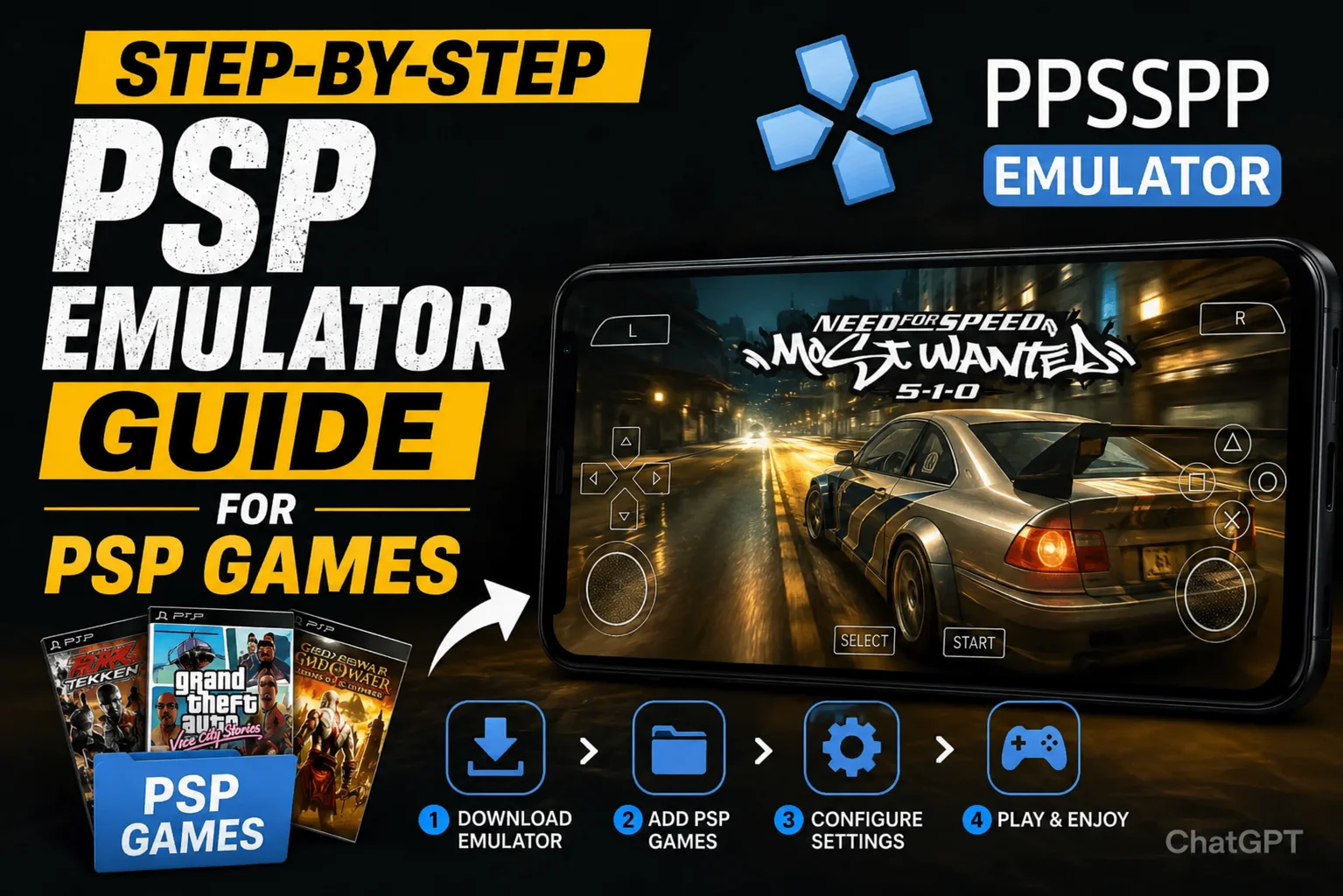
Here’s the good news: once you know the right steps, it takes less than 10 minutes to go from download to playing. This guide walks you through the exact process – no guesswork and no detours.
Whether you are on Android or Windows PC, this guide has you covered from zero to gaming.
What You Need Before You Start ?
Getting organized before diving in will save you a lot of headache. Think of it like a recipe – gather your ingredients first, then cook. Here are the three things you need:
PPSSPP Emulator : This is the app that runs PSP Emulator Games on your device. Without it, game files are useless. Download from ppsspp.org (official site).
Free Storage Space : PSP Emulator Games range from 100 MB to 1.5 GB. You need enough room to download and extract them.
File Extractor App : Many game files come zipped. You need a tool to unzip them before PPSSPP can read them. Use ZArchiver (Android) or WinRAR / 7-Zip (PC).
Quick note on file formats: PSP Emulator Games use either ISO or CSO file formats. ISO is the full original format. CSO is a compressed version – smaller download size, but same gameplay. Both work perfectly in PPSSPP.
How to Install the PPSSPP Emulator
Before you download any game, you need to have PPSSPP installed and ready. This is the most important foundation of the whole setup.
On Android
Open the Google Play Store and search for PPSSPP. You’ll see two versions – the free one and PPSSPP Gold (paid). The free version works absolutely fine. Tap Install and wait for it to download. Once installed, open it once to let it set up its folders. That’s it.
On Windows PC
Head to the official website at ppsspp.org and click the Windows download button. You’ll get a ZIP file. Extract it using WinRAR or File Explorer, open the folder, and run the PPSSPPWindows64.exe file. No installation wizard needed – it just opens and runs.
Always download PPSSPP from the official site or Play Store. Third-party APK sites sometimes bundle modified versions that drain battery faster or show excessive ads.
Where to Find PSP Emulator Games Safely
This is the part everyone gets stuck on, and honestly, it’s where most bad experiences come from. Here is what you should know before downloading anything.
Legally speaking, you are allowed to download a digital backup (ROM) of a PSP game only if you physically own that game. That is the rule. How strictly it is enforced varies by country, but it is important to understand the situation.
For games that are no longer sold or supported – often called abandonware – many communities consider downloading them a grey area, since the original publishers no longer profit from them.
Avoid sketchy download sites. Many sites claiming to host PSP Emulator Games are filled with pop-up traps, fake download buttons, and files laced with adware. If a site has multiple flashing “DOWNLOAD NOW” buttons and asks you to complete a survey first, close the tab immediately.
When searching, look for well-known emulation communities and forums. Reputable sources typically show file sizes clearly, provide SHA or MD5 checksums, and do not require account sign-ups to download. File sizes for PSP games usually range from 200 MB to 1.8 GB. If a file claiming to be a full PSP game is only a few MB, something is wrong.
Where to Find PSP Games Safely
This is the main part of the guide. Follow these steps in order and you will have a game running in minutes.
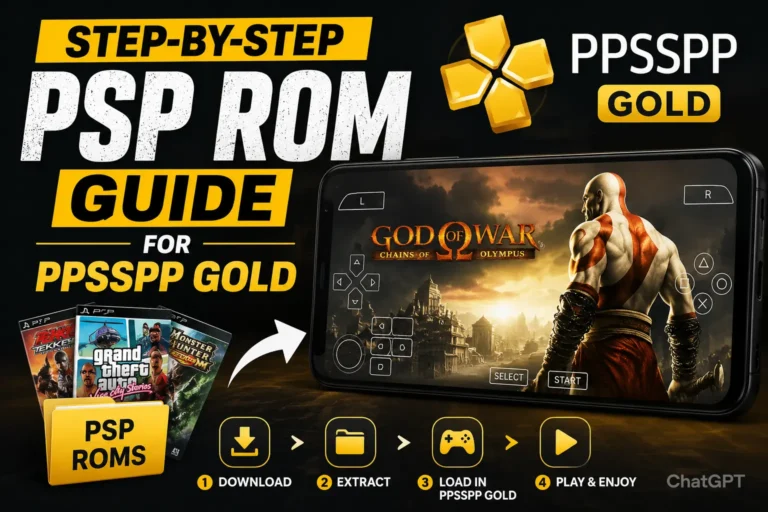
Step 1 — Search for Your Game File (ISO or CSO Format)
Use a trusted search engine to find your game. Search something like: “[Game Name] PSP ISO download”. Look for results from known emulation communities rather than random blogs. Confirm the file format is .iso or .cso before downloading.
Step 2 — Download the Game File
Click the correct download link and wait for it to finish. Depending on your connection, a 500 MB file may take 5–15 minutes. Do not close your browser during download. On Android, files usually go to the Downloads folder.
Step 3 — Extract the File (If It Is Zipped)
If your file is in .zip or .rar format, you need to extract it first. PPSSPP cannot read compressed files.
- On Android: Open ZArchiver, find the file, long-press it, and tap “Extract here” or choose a folder.
- On PC: Right-click the file, open with WinRAR or 7-Zip, and extract it.
After extraction, you will get a .iso or .cso file. That is your actual game file.
Step 4 — Move the Game File to an Easy Folder
This step is optional but recommended. Create a folder named “PSP Emulator Games” and move your ISO/CSO file there. This helps keep everything organized if you download more games later.
Step 5 — Open PPSSPP and Load Your Game
Launch PPSSPP and use the file browser to locate your game folder. Tap the .iso or .cso file, and the game will start loading.
If the game does not open, check if:
- The file is still zipped
- The download is incomplete
- The file is corrupted
Once it works, the game will also appear in your recent list for quick access next time.
How to Play the Game in PPSSPP
Now that the game is running, here is how to control and manage it.
Understanding Controls
On Android, you will see on-screen PSP buttons like X, O, Square, Triangle, L, R, and the D-pad. You can customize them in Settings > Controls > Layout.
On PC, you can use a keyboard or connect a controller like Xbox or PlayStation. Button mapping can be changed in Settings > Controls.
Saving Progress
You have two options:
- In-game save (like real PSP)
- Save State (instant save anywhere)
Save States are faster and more flexible. You can save anytime and load instantly from the PPSSPP menu.
Speed Controls
PPSSPP also allows fast-forwarding for skipping slow parts of games or grinding sections.
Settings to Make Games Run Smoother
If your game lags or stutters, try these adjustments:
Lower rendering resolution to 1x (native PSP resolution)
Enable Frame Skipping for smoother gameplay
Increase audio buffer size to fix sound issues
Switch to Software Rendering if graphics glitch
Enable Performance Mode on your device
If your device overheats, close background apps and let it cool down.
Final Thoughts
Downloading and playing PSP Emulator Games with an emulator may seem complicated at first, but it becomes very simple once you understand the process. Install the PPSSPP emulator, download a compatible ISO or CSO game file, extract it if necessary, and load it through the emulator. After doing it once, the entire process only takes a few minutes.
Always use trusted sources, keep your game files organized, and make sure you have enough storage space before downloading. If a game does not work, the problem is usually related to an incomplete download, a corrupted file, or a file that has not been extracted properly. With the right setup, you can enjoy your favorite PSP games smoothly on Android, iPhone, or PC anytime you want.